
Network speed measurement [SpeedTest] on Windows OS
Here you can clearly learn how to measure network speed on VDS and Dedicated servers running Windows OS in the simplest and most effective way.
For the installation example, Windows Server 2012 OS will be used.
Go to any browser on the server and follow the link: speedtest.net
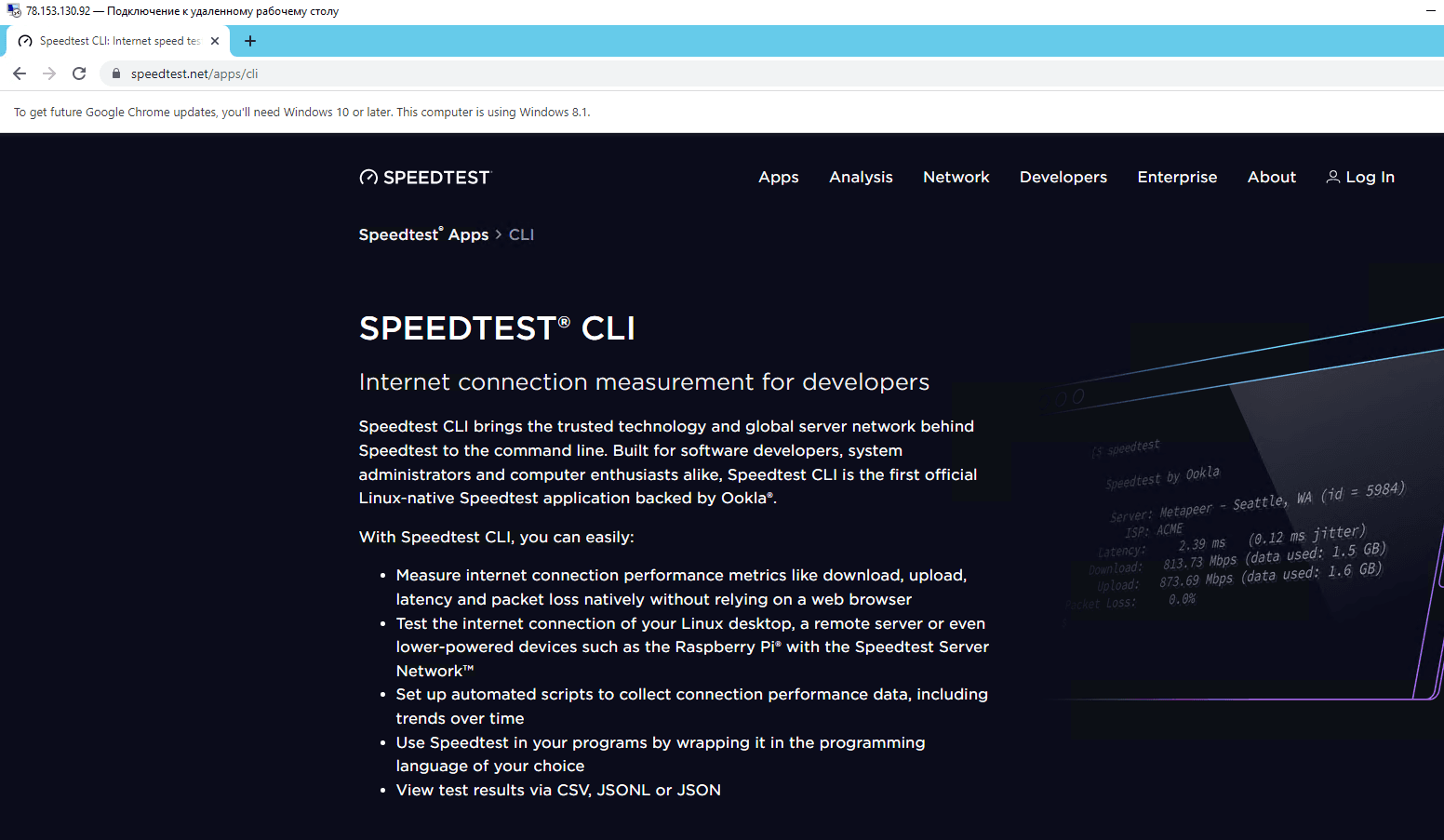
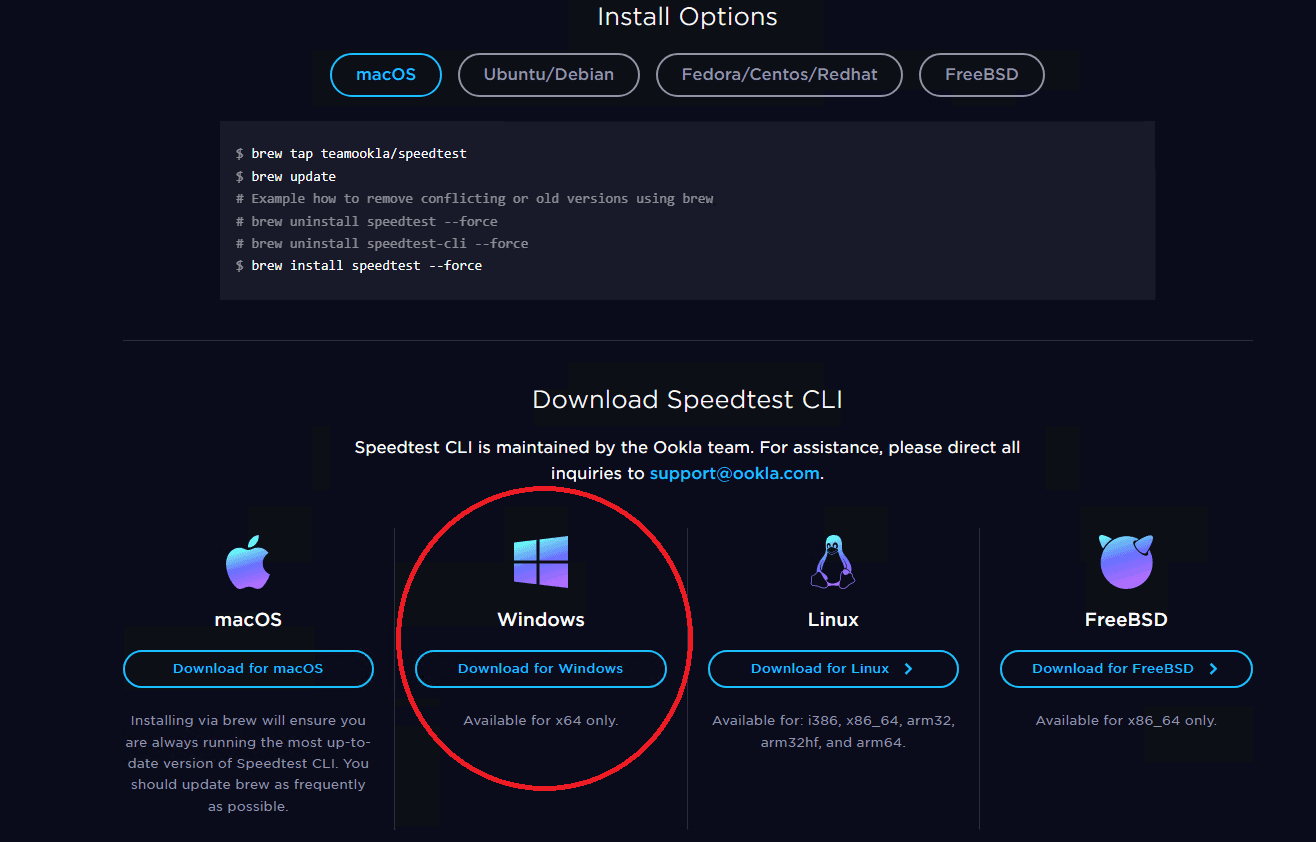
Scroll down the page and follow the link to download the distribution for Windows:
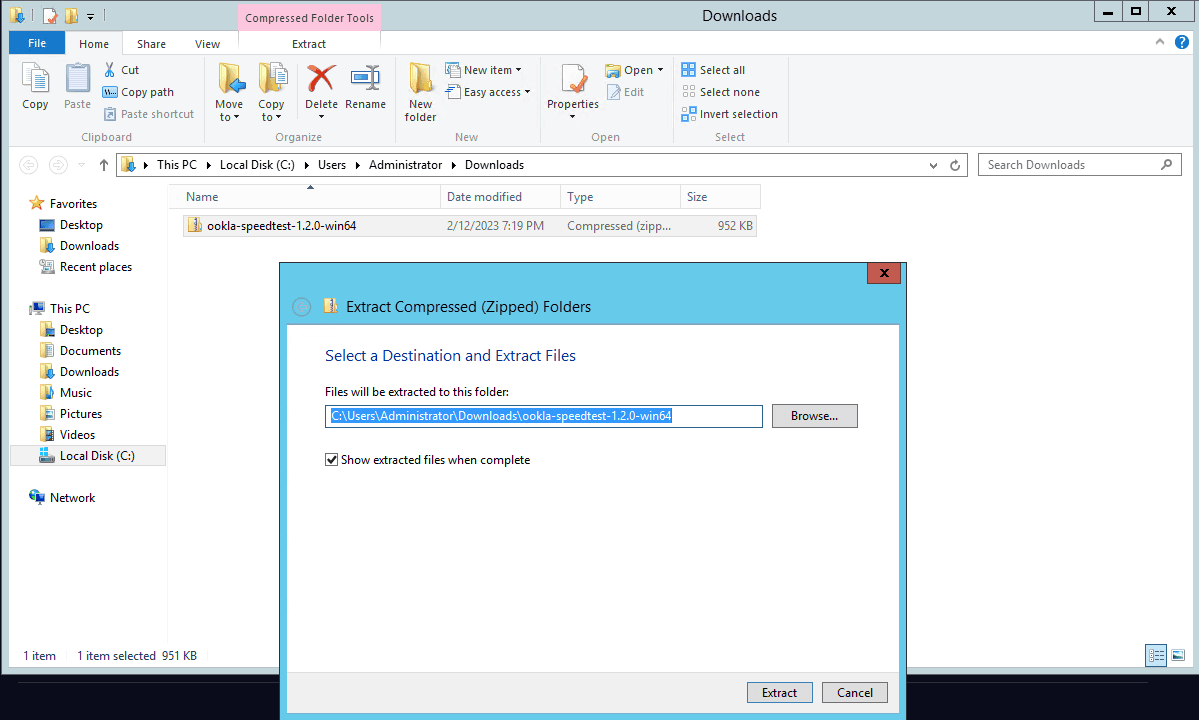
Wait for the file download to complete and unpack the installation file to a convenient location:
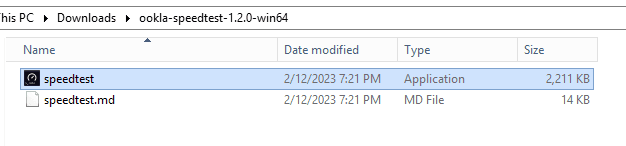
Run the speedtest file:
When starting the program, you need to agree twice to the software license agreement by typing YES and pressing Enter:
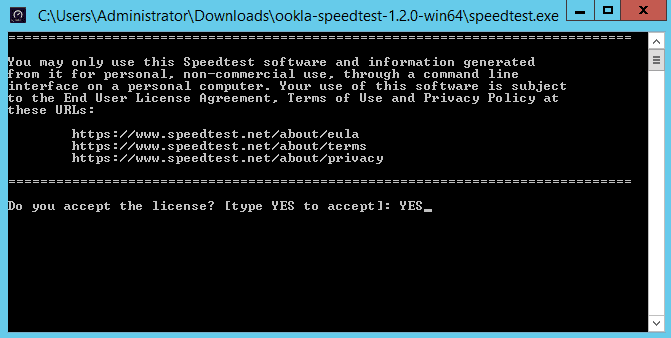
Then the measurement of download and upload speed will begin:
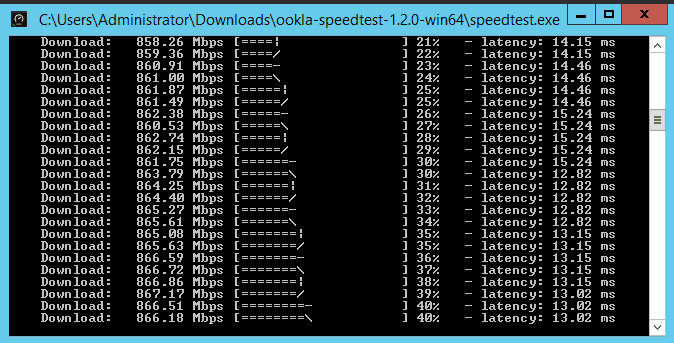
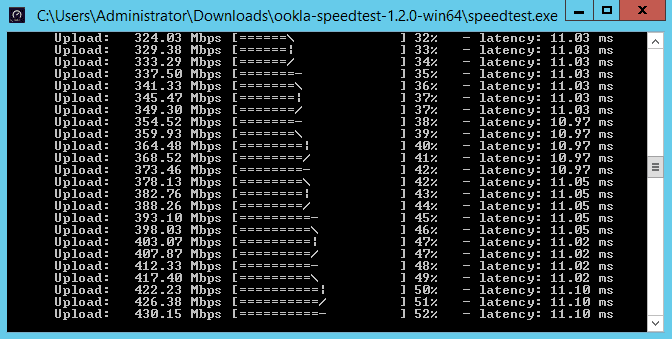
Internet Speed Testing
Detailed instructions for proper internet speed measurement using recommended services
Setting up VLESS in 3x-ui
3X-UI is a convenient panel for creating connection configs to proxies of various protocols such as VLESS, VMESS, Trojan, Shadowsocks. In this instruction, we will consider connection via VLESS protocol.