
Installing Keitaro
Keitaro is an economical and flexible tracker with many features and tools, popular among webmasters and arbitrageurs.
To install the Kaitaro tracker, we need:
- Server with CentOS 8 or 9
- SSH access to the server
- Keitaro license key after the trial period
- Console for connection (Putty for Windows or Terminal for MacOS)
Registration and obtaining installation key
Go to the Keitaro website and start registration through the "Sign up" button in the upper right corner.

Enter any name and personal email (will be verified by email), future password. And check the box about agreeing to the service rules, wait for the registration button "Sign up".
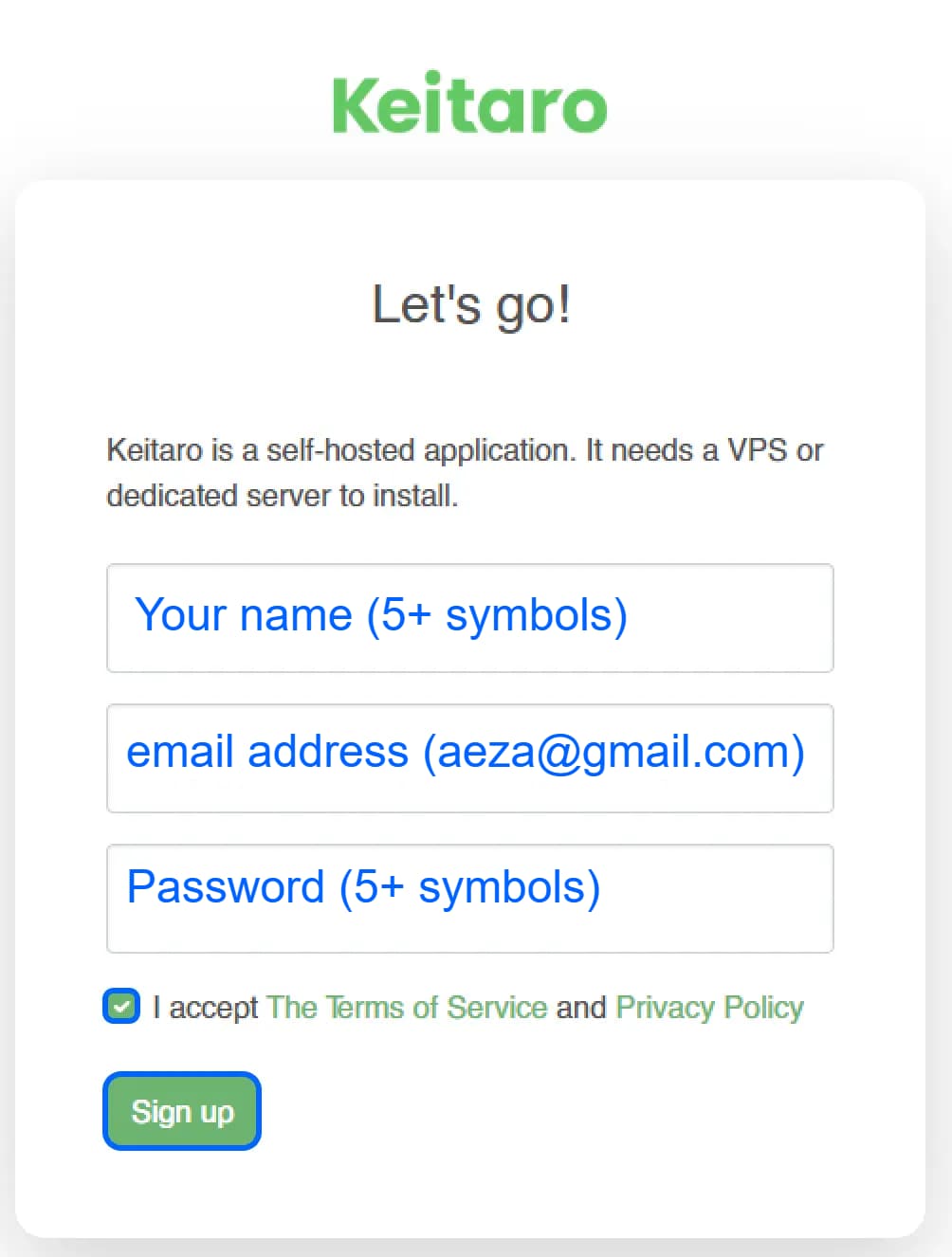
Then go to your email and confirm registration through the button or link in the letter from Keitaro:
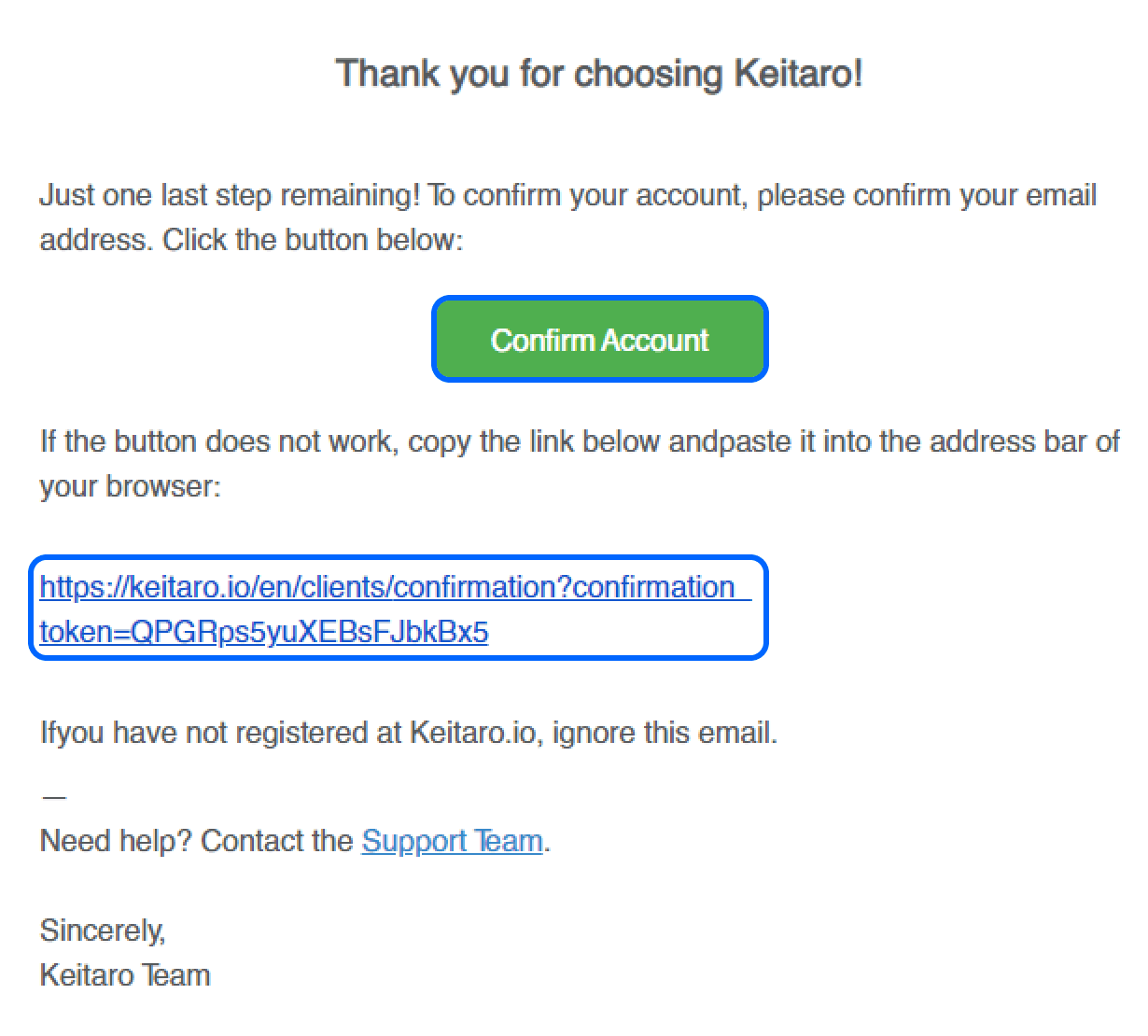
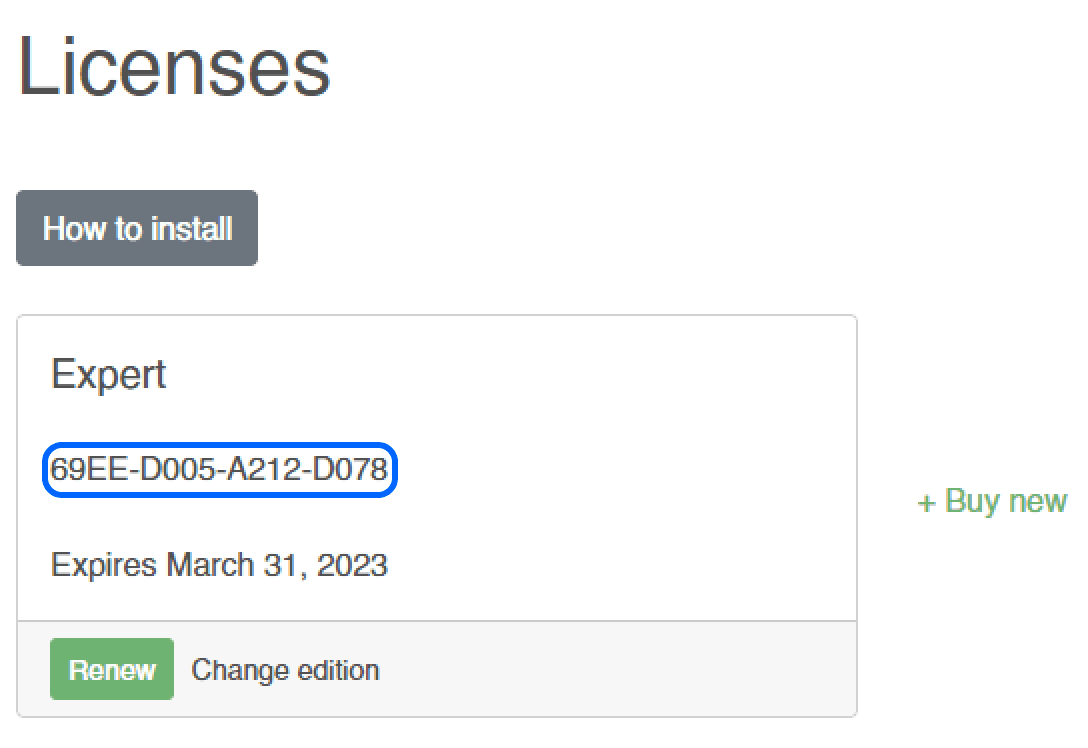
After confirming the email, you will be on the page of your active activation keys. Including the free key for the Keitaro trial period. You can copy it by clicking.
Installing the trial version of Keitaro
Open the console of your server on CentOS 8 or 9.
You can use our instruction on opening the console.
After connecting to the server and authorization, enter the Keitaro installation command:
yum update -y && curl keitaro.io/install.sh > run && bash run -l ruPress Enter and wait for installation to complete. It will take 4 to 10 minutes, depending on your plan (DEs-1 installed Keitaro in 9 minutes).
During installation, we may be asked the following questions:
- Install free Let's Encrypt SSL certificates? 1.1 Answer no if we are installing Keitaro in the root of our server. Then specify the domains that will need a certificate. 1.2 Or yes if you are going to install a domain and get an SSL certificate.
- Specify any username and password for the Keitaro administrator.
- Specify the license key obtained on the licenses page, or purchased after the trial period ends.
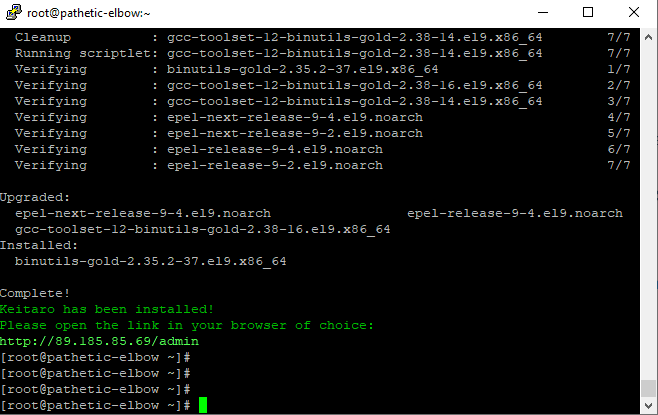
After readiness, connect to the control panel address:
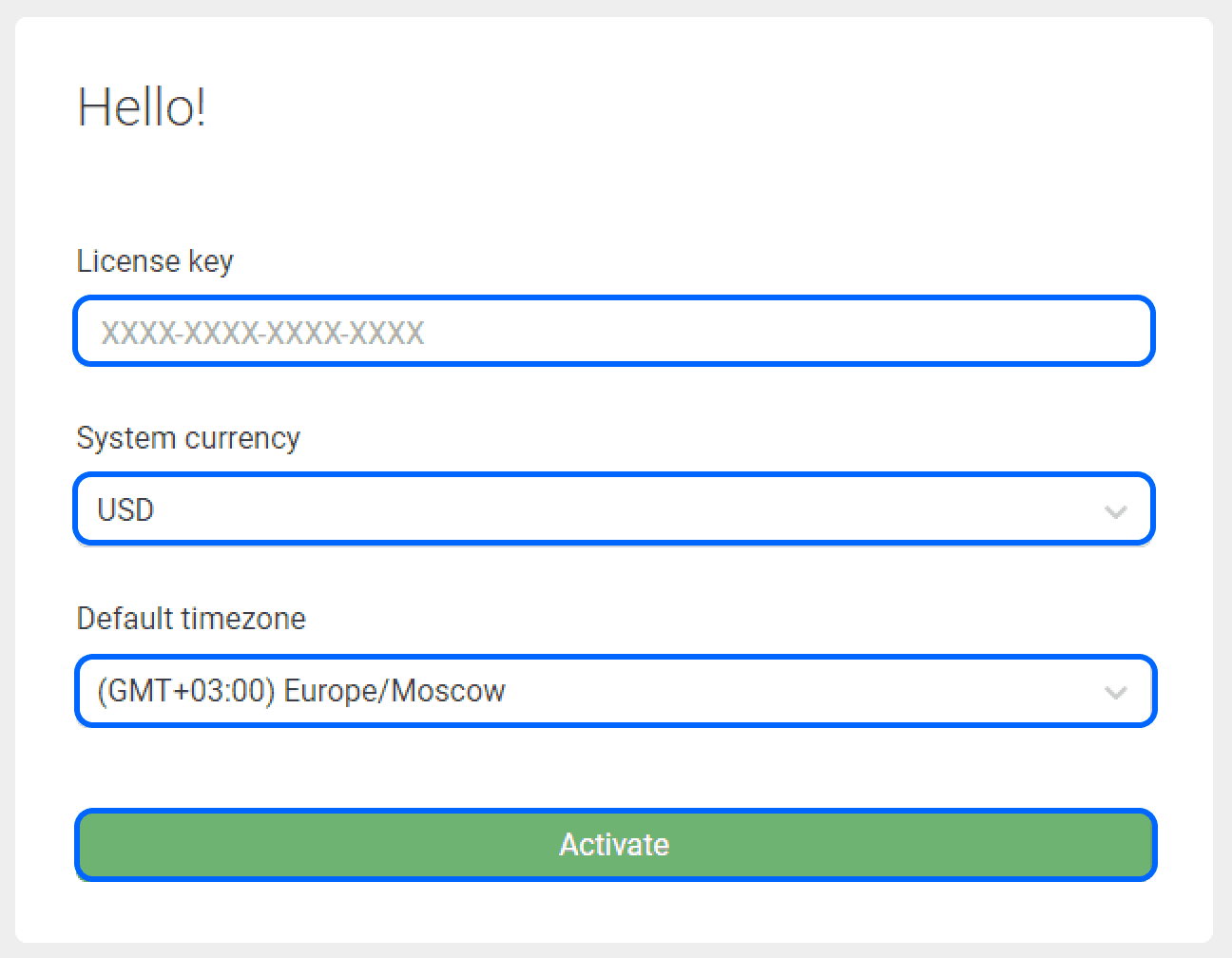
http://<IP-address>/adminEnter your activation key obtained on the licenses page, system currency and your timezone for correct time display.
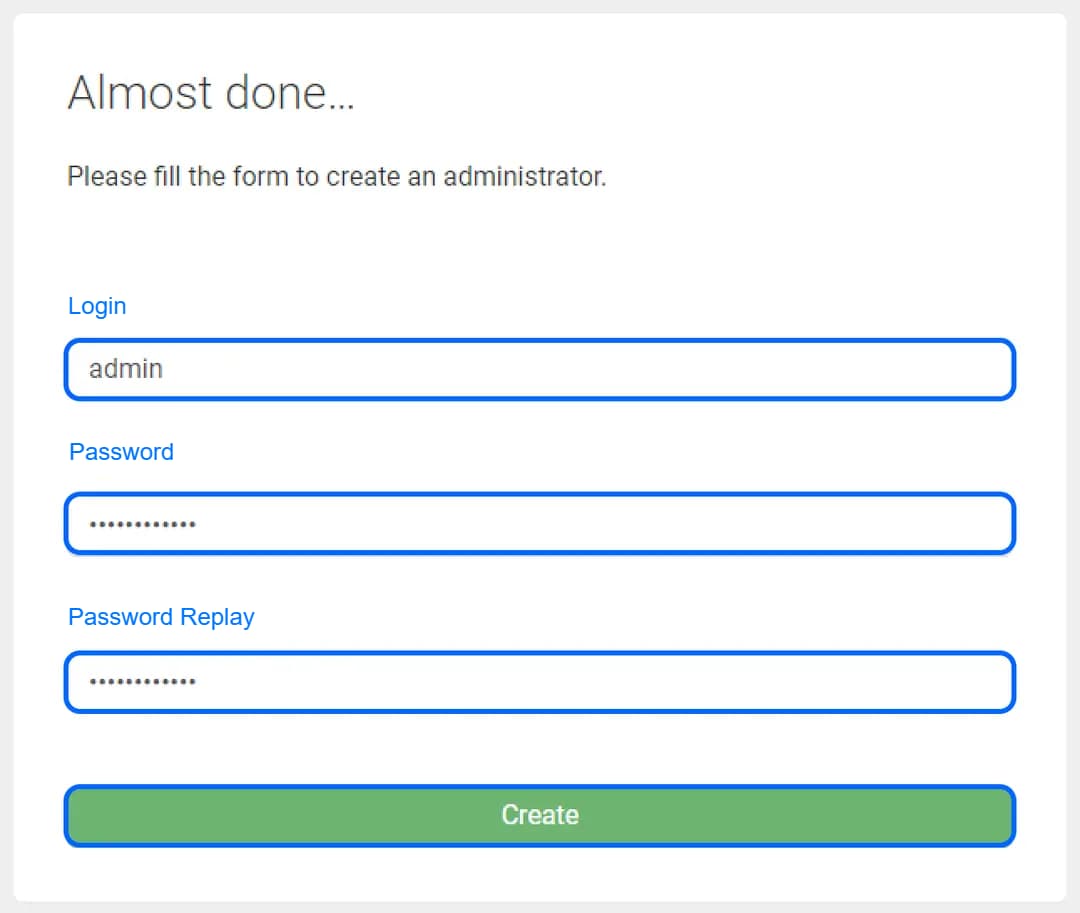
Specify any username and password for the administrator for future login to Keitaro.
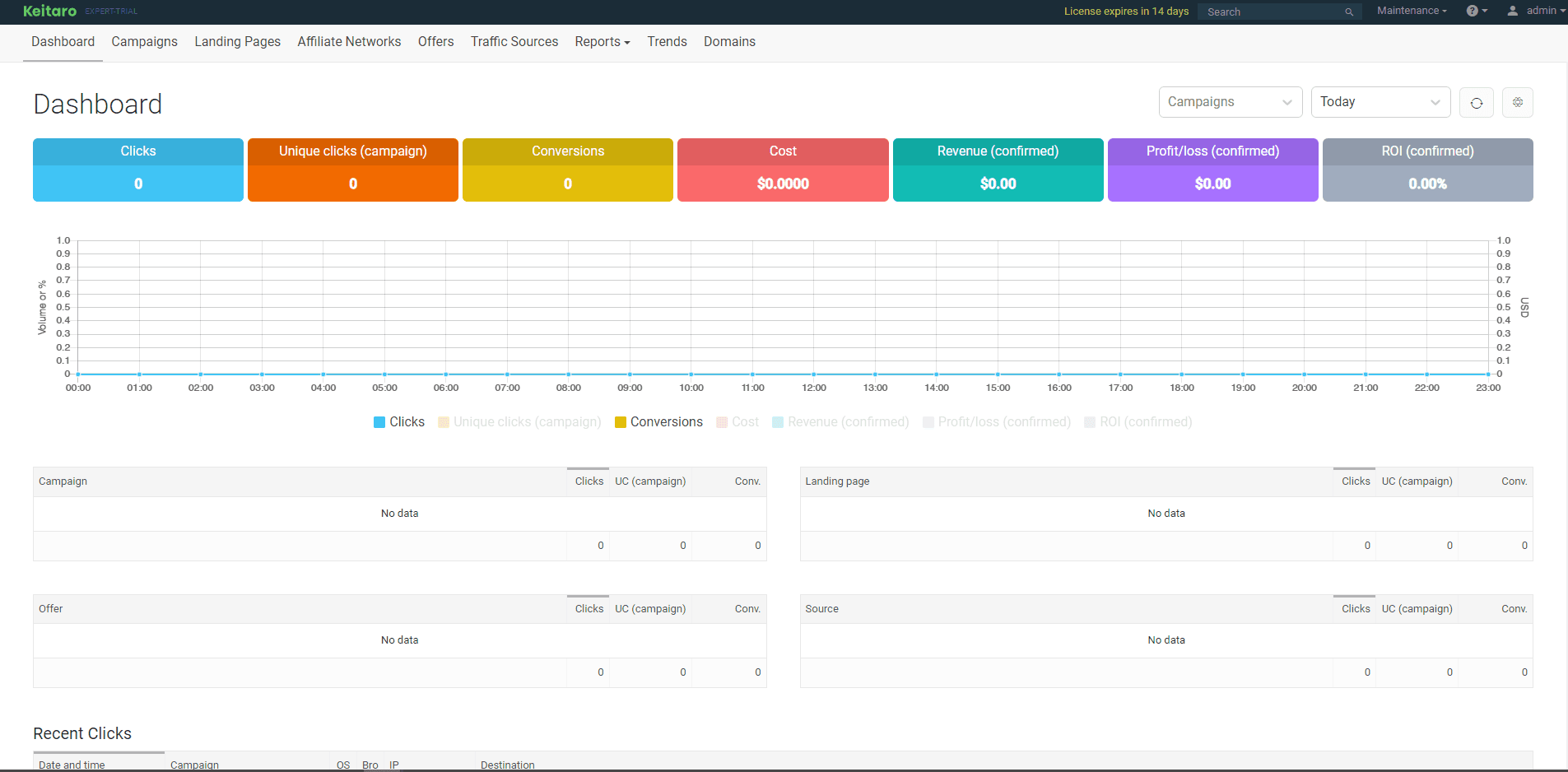
Congratulations, now you can use all Keitaro features. We recommend saving the administrator data in a safe place. The free trial period will last 14 days, you can extend it here.
If for your tasks with Keitaro you need custom disk expansion in your plan, you can always contact our support to increase it.
Installing Apache2
Apache is cross-platform server software that supports Linux, BSD, Mac OS, Microsoft Windows, Novell NetWare, BeOS.
Installing MikroTik RouterOS (CHR) on a virtual server
Cloud Hosted Router is a version of Mikrotik RouterOS designed for deployment on virtual machines as a standalone operating system.