
Domain registration
In this article we will tell you how to register your personal domain in any domain zone: .en, .su, .com, .net, .org, .pro and many others.
What is a domain?
Initially, with the creation of the Internet, all websites, servers, computers were designated by their IP address, along with a port number, which is used to connect to them.
However, with the development of the network and the increase in the number of users and sites, for more comfortable use, the concept of a domain was introduced, which, simply put, is the name of any site. It allows you to more easily remember the site address and avoid errors when searching for the desired page.
Modern domains are a road sign for your browser, thanks to which it can quickly understand and find the server address you need, in the form of the page IP address and open the desired site.
Next, we will look at how you can connect a personal domain to your website or service in just a few minutes
How to register a domain?
To register a domain, go to the page:
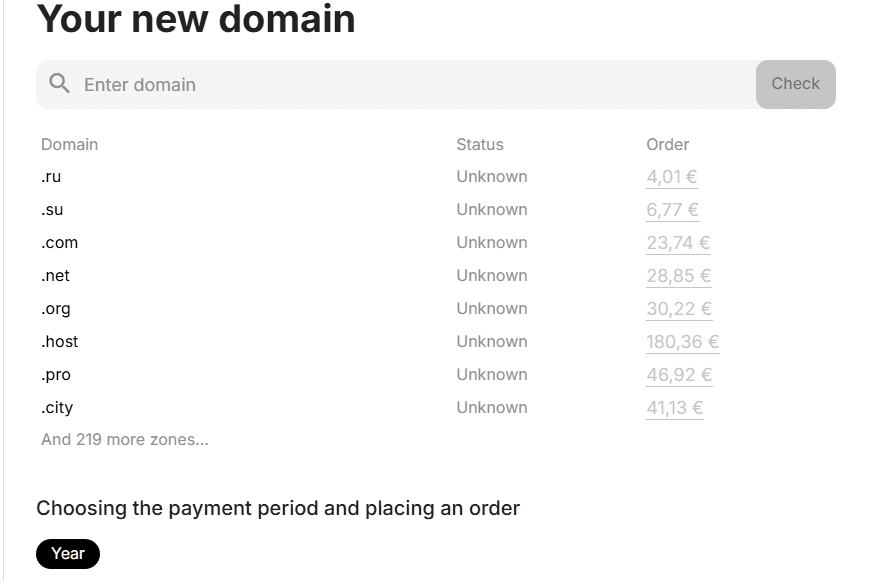
Enter the desired name of the future domain (site address) and click "check":
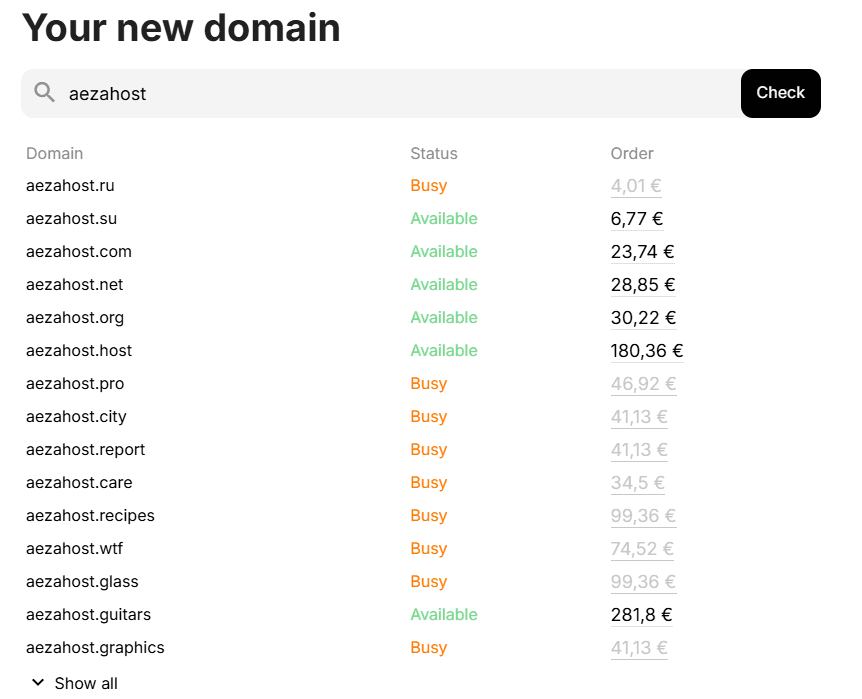
Occupied zones are already bought by other people, you can purchase them no earlier than they refuse to renew this address or forget to pay for it.
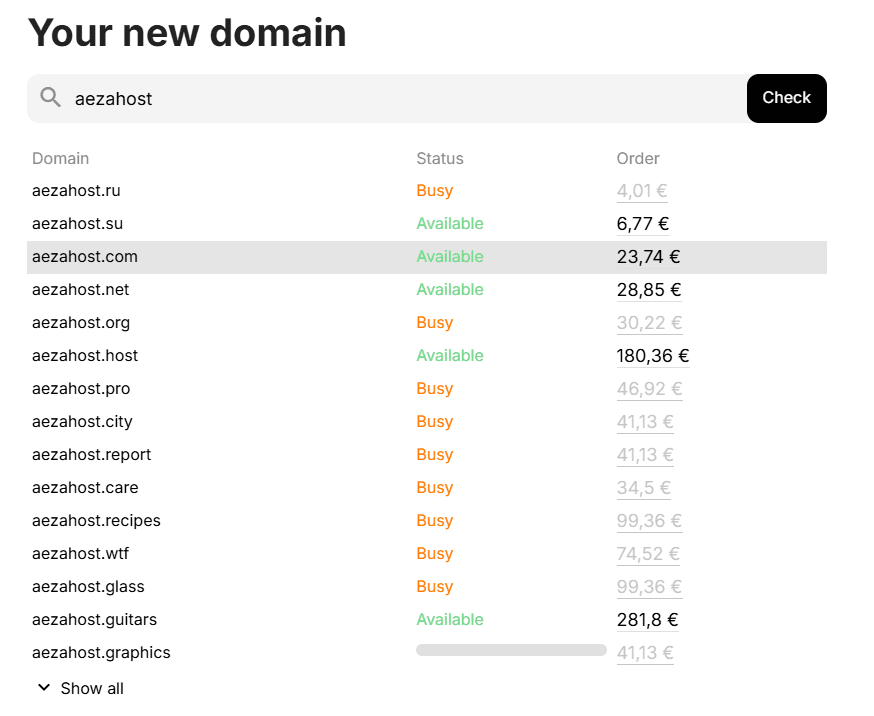
Select the desired address AezaHost.su by clicking on it with LMB:
Scroll down the page and fill in your personal data:
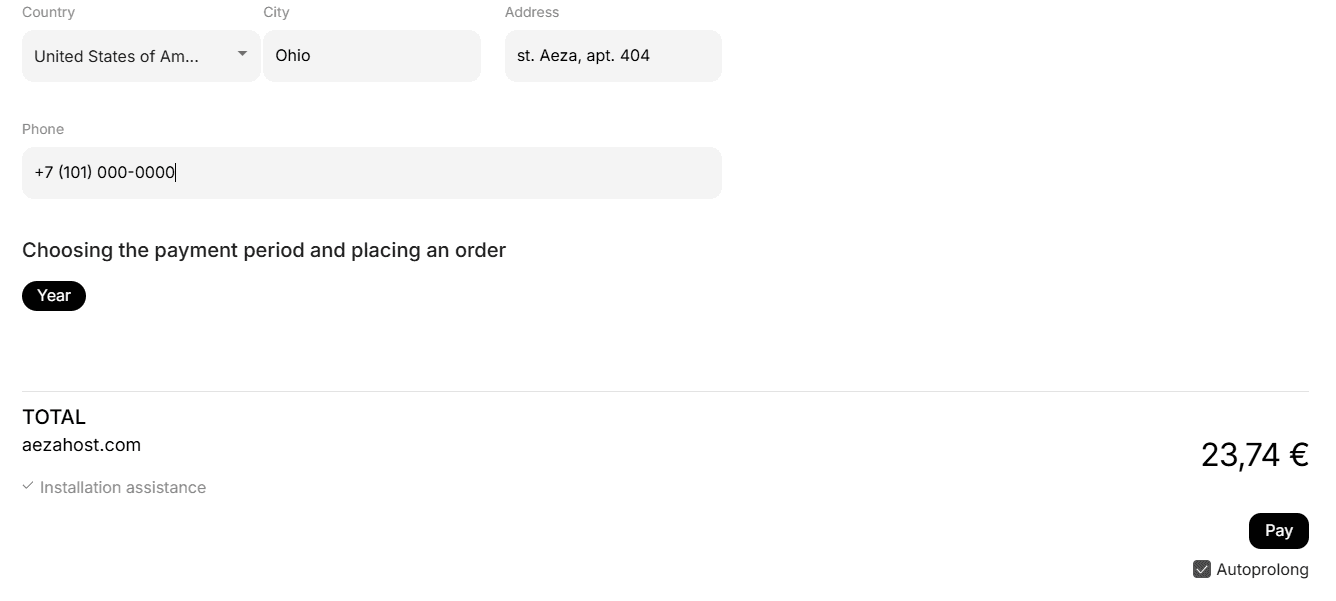
We recommend specifying real data from your passport. In the future, this will help you not lose control over the domain and renew it annually in the future.
After specifying your passport data, scroll down even further and click the "pay" button
You can also disable automatic renewal of this domain one year from the purchase date. But if you don't pay for its renewal, other people will be able to register it for themselves.
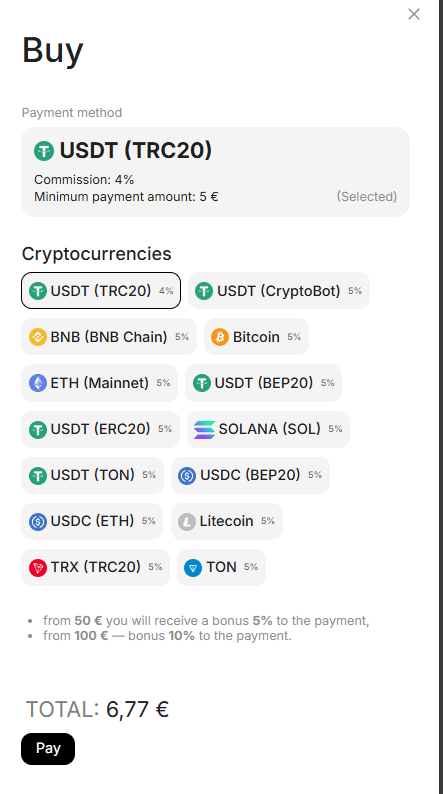
Choose a convenient payment method and click the "pay" button:
You can click "show other methods" to view the remaining options
After payment, you will be able to find your domain in the "Services" section:

Congratulations! Now you have your own personal domain!
In the next article, we will tell you how to connect it to your server and start using a website, service or application with your domain.